
All Games
RollerCoaster Tycoon Classic System Requirements
December 20, 2016Origin886/100
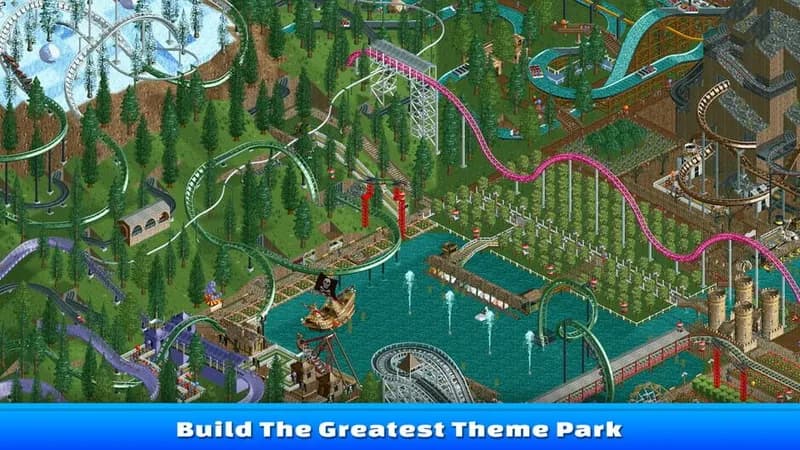
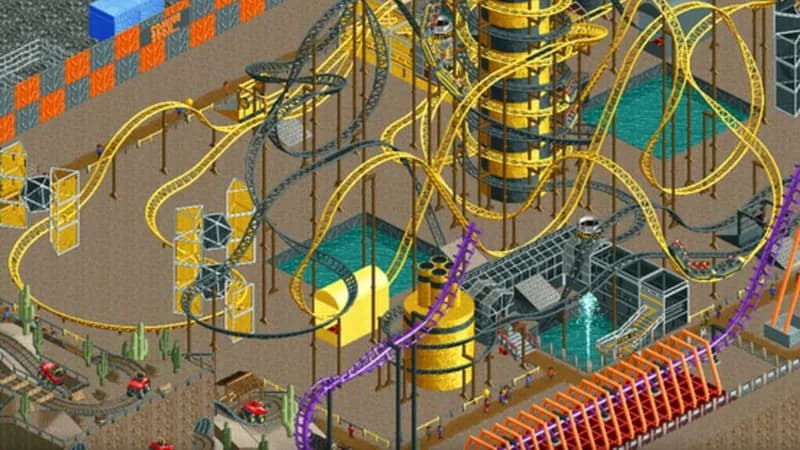
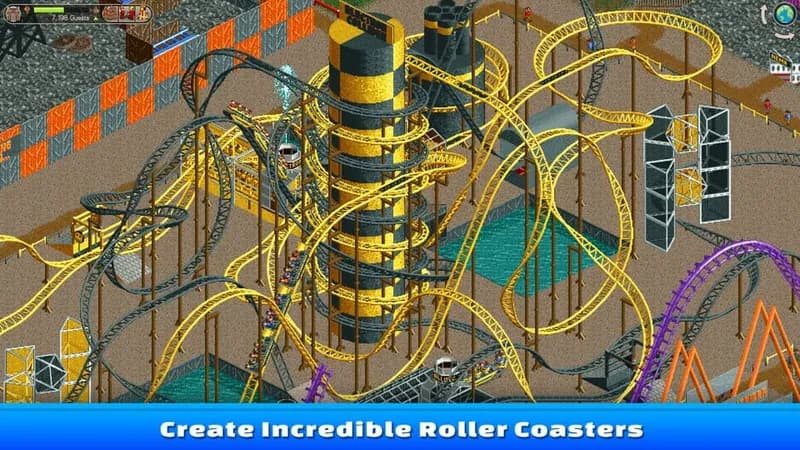
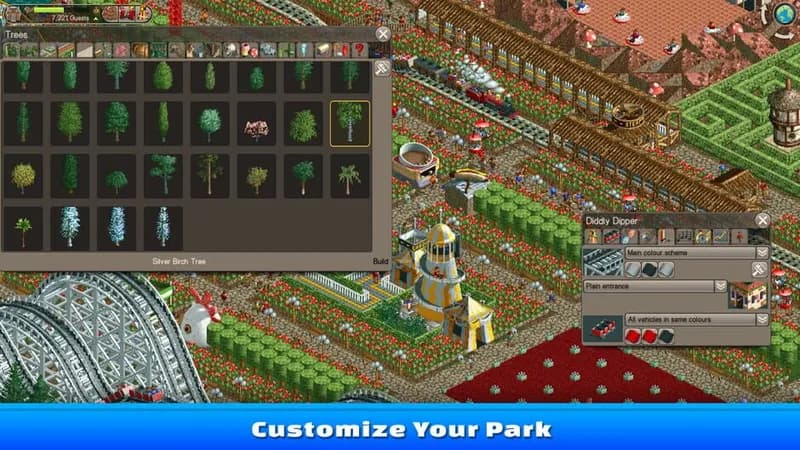
RollerCoaster Tycoon Classic merges gameplay elements from the first two titles, challenging players to design and manage amusement parks. Success requires balancing ride construction, park aesthetics, staff management, and financial strategy.
RollerCoaster Tycoon Classic Minimum & Recommended Specs
Minimum: Intel Pentium 4, ATI Radeon X1300/NVIDIA, 512 MB RAM. Recommended: 2 GB RAM RAM.
Minimum System Requirements
Recommended System Requirements
Upgrade Your Hardware
Trailer
Quick Performance Tips for RollerCoaster Tycoon Classic
#1
Lower the game resolution for better performance.
#2
Reduce the detail level of scenery items.
#3
Close unnecessary background applications.
#4
Periodically save your game to prevent data loss.
RollerCoaster Tycoon Classic System Requirements FAQ
Can I run RollerCoaster Tycoon Classic on a low-end PC?
Yes, RollerCoaster Tycoon Classic is designed to run on older hardware. Check the minimum requirements; if your PC meets those, you should be able to play, though you may need to lower graphics settings.
What GPU do I need for RollerCoaster Tycoon Classic?
At a minimum, you'll need an ATI Radeon X1300 or NVIDIA GeForce 6200. For a smoother experience, an NVIDIA GeForce 8800 GT or better is recommended.
How much RAM does RollerCoaster Tycoon Classic need?
The game requires a minimum of 512 MB of RAM. However, 2 GB of RAM is recommended for optimal performance, especially in larger parks.
Will RollerCoaster Tycoon Classic run on integrated graphics?
It *might* run on integrated graphics, but performance may be poor, especially with larger parks. Ensure your integrated graphics meet or exceed the minimum GPU requirements for better results. Lowering graphics settings is crucial.
What is the best graphics settings for RollerCoaster Tycoon Classic?
Experiment! Start with the lowest settings and gradually increase them until you find a balance between visual quality and performance. Lowering resolution and detail levels can significantly improve frame rates.
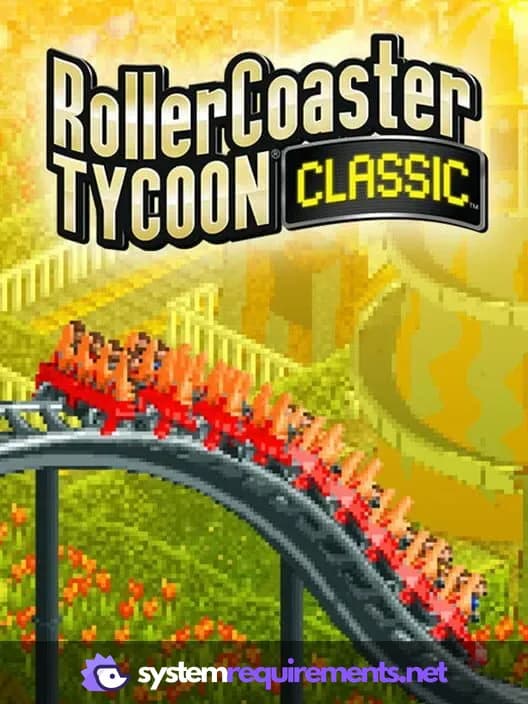
RollerCoaster Tycoon Classic Game Info
Developer
Origin8
Publisher
Atari, Inc.
Release Date
December 20, 2016
Platforms
Android, PC (Microsoft Windows), iOS, Mac, Nintendo Switch
Genres
SimulatorStrategy
Game Modes
- Single player
RollerCoaster Tycoon Classic Screenshots

Optimize Your PC for RollerCoaster Tycoon Classic
Use our free tools to analyze and improve your gaming performance