
All Games
Stormworks: Search and Destroy System Requirements
October 5, 2021Geometa
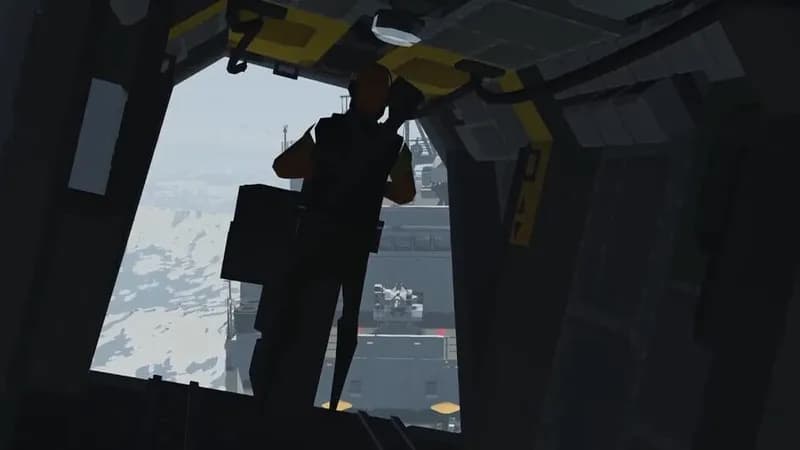
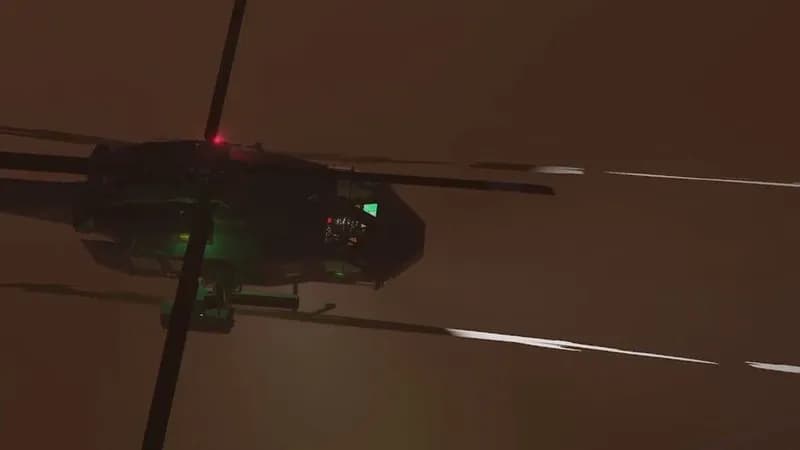
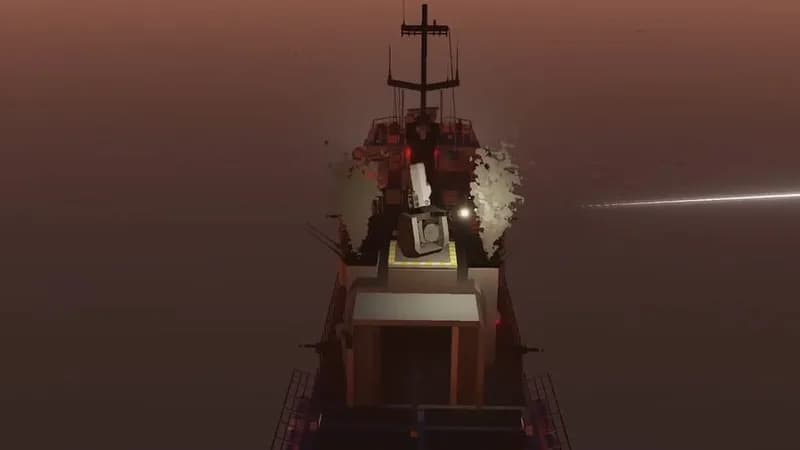
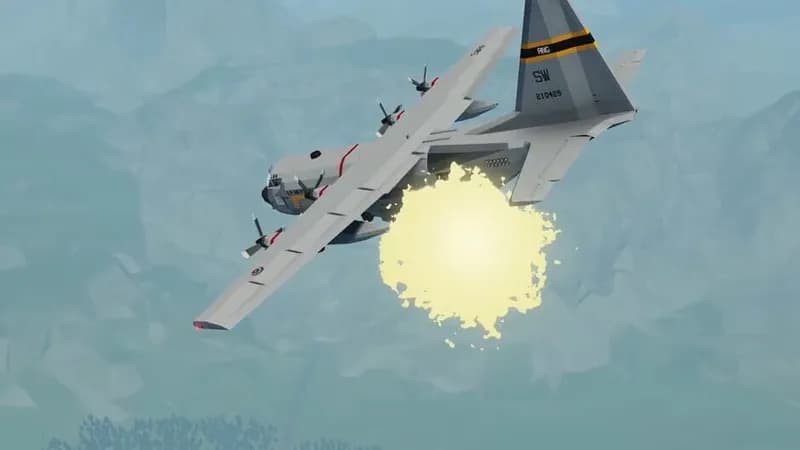
Stormworks: Search and Destroy adds functional weaponry to the base game. Players gain access to new modular vehicle components, handheld explosives, and missions centered around combat. The base game requires this expansion for any weapons-related functionality.
Stormworks: Search and Destroy Minimum & Recommended Specs
Minimum: Intel Core i3-2100, Intel HD Graphics, 4 GB RAM. Recommended: 8 GB RAM RAM.
Minimum System Requirements
Recommended System Requirements
Quick Performance Tips for Stormworks: Search and Destroy
#1
Lower 'Physics Detail' for a big performance boost.
#2
Reduce 'Shadow Quality' to improve frame rates.
#3
Close unnecessary background applications.
#4
Decrease 'Water Quality' for better performance.
Stormworks: Search and Destroy System Requirements FAQ
Can I run Stormworks: Search and Destroy on a low-end PC?
Yes, you can *try* to run it, but expect lower frame rates and graphical settings. The minimum requirements (Intel Core i3-2100 or AMD FX-6300, Intel HD Graphics 4600 or NVIDIA GeForce GT 630 or AMD Radeon HD 5670, and 4 GB of RAM) represent the *absolute* lowest specifications. Performance will likely be significantly better with hardware closer to the recommended specifications.
What GPU do I need for Stormworks: Search and Destroy?
For minimum settings, an Intel HD Graphics 4600, NVIDIA GeForce GT 630, or AMD Radeon HD 5670 is required. For a smoother experience at higher settings, an NVIDIA GeForce GTX 970 or AMD Radeon RX 580 is recommended.
How much RAM does Stormworks: Search and Destroy need?
At least 4 GB of RAM is required to run the game. However, 8 GB of RAM is recommended for smoother gameplay and to avoid potential performance issues, especially with larger or more complex creations.
Will Stormworks: Search and Destroy run on integrated graphics?
Yes, the minimum requirements include Intel HD Graphics 4600, which is an integrated graphics solution. However, performance will be significantly limited compared to a dedicated graphics card. Expect low frame rates and graphical settings.
What is the best graphics settings for Stormworks: Search and Destroy?
The best settings depend on your hardware. Start with the 'Medium' preset and adjust from there. If you're experiencing low frame rates, lower settings like 'Shadow Quality,' 'Water Quality,' and 'Physics Detail.' Experiment to find a balance between visual fidelity and performance.

Stormworks: Search and Destroy Game Info
Developer
Geometa
Publisher
Geometa
Release Date
October 5, 2021
Platforms
PC (Microsoft Windows), Mac
Genres
SimulatorStrategy
Game Modes
- Single player
- Multiplayer
- Co-operative
Stormworks: Search and Destroy Screenshots


Optimize Your PC for Stormworks: Search and Destroy
Use our free tools to analyze and improve your gaming performance