
Guide
Common Problems This Test Finds
Wondering what display flaws you can spot with a backlight bleed test? This guide reveals the most common problems this test finds and how to address them.
Updated 2026-07-05
What Problems Can a Backlight Bleed Test Reveal?
The Backlight Bleed Test is designed to help users identify several critical issues that can negatively impact the visual quality of their monitors. Whether you are gaming in the dark or editing photos, unwanted light leakage can be distracting and reduce your display's performance. Understanding the common problems this test finds is essential for anyone seeking the best viewing experience.
When you run the Backlight Bleed Test, the tool displays fullscreen black and dark gray patterns. These backgrounds make it easy to spot any light leaking around the edges or corners of your screen. The most frequent issue uncovered is backlight bleed, which is when excess light escapes from the frame, especially in darker scenes. This can manifest as bright spots or uneven illumination that is particularly noticeable in low-light environments.
Another common problem is IPS glow, which is a characteristic of IPS panel technology. It appears as a faint, silvery glow that changes depending on your viewing angle. While some amount of IPS glow is normal, excessive glow can detract from your experience, especially if you use your monitor in a dim room.
Clouding is also often detected during testing. This occurs when the backlight is not distributed evenly, creating cloudy or patchy areas across the display. Additionally, the Backlight Bleed Test can reveal uniformity issues, such as color or brightness shifts from one side of the screen to the other. These problems are important to identify early, as they can affect both productivity and enjoyment of your monitor.
Detailed Breakdown of Display Problems
Backlight bleed is commonly caused by manufacturing inconsistencies or pressure on the display panel. It typically appears along the edges or corners of the monitor as bright spots against a dark background. If you notice these issues during the Backlight Bleed Test, it could indicate either a design flaw or physical damage to the screen's assembly.
IPS glow, while inherent to IPS technology, can vary in severity. Excessive IPS glow might be a sign of poor panel quality or improper assembly. The Backlight Bleed Test helps you distinguish between normal IPS glow and problematic light leakage that should not be present in a high-quality screen.
Clouding, or patchy brightness, often results from uneven pressure during manufacturing or aging of the backlight system. It is most visible when the screen displays uniform dark colors. The Backlight Bleed Test is especially useful for spotting this issue, as it provides the high-contrast backgrounds needed for detection.
Uniformity issues encompass a range of problems, including color shifts, brightness gradients, and shadowy areas that persist across the display. Such issues can be subtle but have a significant impact on tasks like photo editing, gaming, or watching movies where color accuracy is critical.
The Backlight Bleed Test also helps users differentiate between issues caused by the panel itself and those related to environmental factors, such as reflections or viewing angles. By running the test in a controlled setting, you can accurately assess the condition of your monitor and decide whether a warranty claim or replacement is needed.
Step-by-step
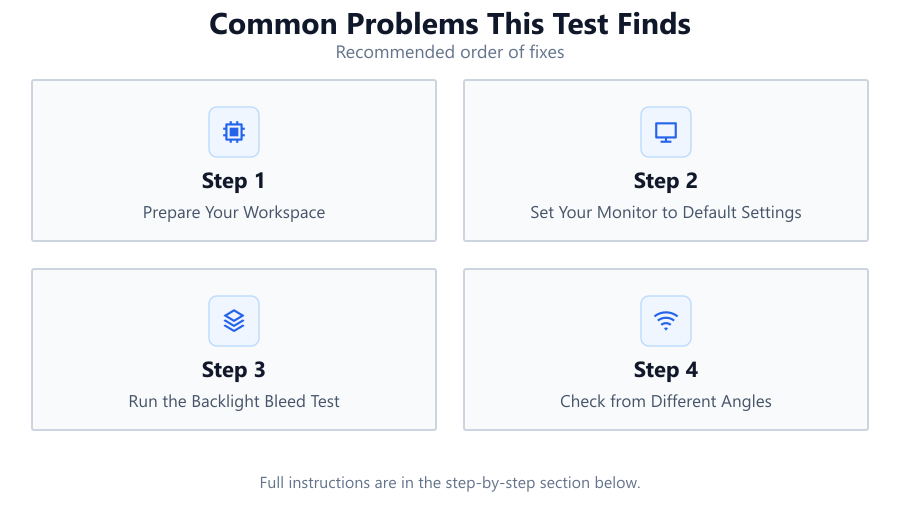
Prepare Your Workspace
Turn off all ambient lighting in your room, close curtains, and ensure minimal glare on your screen. This helps you see display flaws more clearly during the Backlight Bleed Test.
Set Your Monitor to Default Settings
Reset your monitor to default brightness, contrast, and color settings. This provides a neutral baseline for spotting issues like backlight bleed or IPS glow.
Run the Backlight Bleed Test
Open the Backlight Bleed Test tool in your browser. Cycle through the black and gray patterns while observing your screen for bright spots, clouding, or uneven illumination.
Check from Different Angles
View your monitor from multiple angles and distances. IPS glow and uniformity issues often become more apparent when changing your viewing position.
Document and Compare Results
Take photos of any issues you find for reference. Compare your results with online examples to determine whether the problems are within acceptable limits or require further action.
Comparison
| Problem | Appearance | Possible Fix |
|---|---|---|
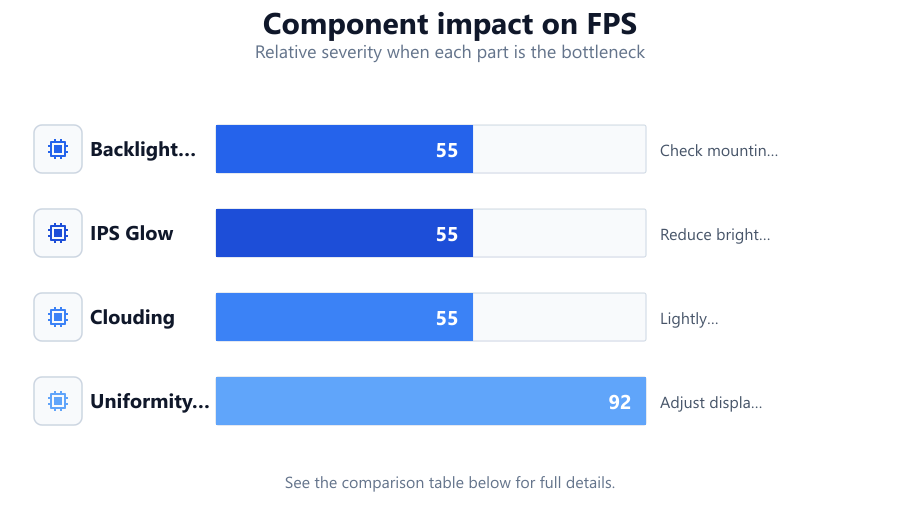
| Backlight Bleed | Bright spots near edges or corners | Check mounting, request warranty replacement |
| IPS Glow | Silvery glow, changes with angle | Reduce brightness, adjust seating position |
| Clouding | Patchy or cloudy areas on dark screens | Lightly massage panel, check for pressure points |
| Uniformity Issues | Brightness or color shifts across screen | Adjust display settings, consider RMA if severe |
Common mistakes
Mistake
Performing the test in a bright room
Fix: Always conduct the Backlight Bleed Test in a dark environment to accurately spot subtle display issues.
Mistake
Using non-default monitor settings
Fix: Reset your monitor to factory defaults before testing to avoid introducing artificial problems.
Mistake
Confusing IPS glow with backlight bleed
Fix: Move your head to see if the light changes with angle. IPS glow varies with angle, while backlight bleed does not.
Mistake
Ignoring minor uniformity issues
Fix: Document all findings, even minor ones, as they can worsen over time or indicate a broader issue.
Troubleshooting
Persistent bright spots at screen edges
Likely cause: Backlight bleed due to panel pressure or poor assembly
What to do: Check if the monitor frame is overly tight. If under warranty, consider requesting a replacement.
Silvery or colored glow visible from sides
Likely cause: IPS glow, a characteristic of IPS panels
What to do: Reduce screen brightness and adjust your viewing angle. Use the Backlight Bleed Test to confirm severity.
Large cloudy patches on dark backgrounds
Likely cause: Clouding from uneven backlight or panel warping
What to do: Gently massage the affected area with a microfiber cloth. If the issue persists, contact support.
Colors appear inconsistent across the screen
Likely cause: Uniformity issues or panel aging
What to do: Calibrate your monitor. If the problem remains, consult the manufacturer about a possible RMA.
Recommendations
- Use the Backlight Bleed Test immediately after purchasing a new monitor to catch issues early.
- Repeat the test periodically, especially if you notice changes in display quality over time.
- If you find severe backlight bleed or uniformity problems, contact your retailer or manufacturer about a replacement.
- For IPS monitors, lower brightness and optimal seating position can minimize the visual impact of IPS glow.
- Always test your monitor in a dark room for the most accurate results.
Frequently asked questions
What is the difference between backlight bleed and IPS glow?
Backlight bleed appears as fixed bright spots around the screen edges, while IPS glow is a silvery haze that changes with viewing angle. The Backlight Bleed Test can help you distinguish between them.
Can backlight bleed be fixed at home?
Minor backlight bleed may improve by loosening the monitor frame or gently massaging the panel edges, but severe cases usually require professional repair or replacement.
Does every monitor have some degree of backlight bleed or IPS glow?
Most monitors, especially IPS models, have some level of backlight bleed or glow. The Backlight Bleed Test helps determine if your monitor's issues are within normal limits.
Should I return a monitor with mild backlight bleed?
If the bleed is only visible in extreme conditions and does not impact your usage, it may be considered normal. However, significant bleed warrants a return or replacement.