
Guide
Common Buying Mistakes
Avoiding common buying mistakes is essential for getting the most value from your PC hardware purchases. This guide reveals the pitfalls and solutions to help you buy with confidence.
Updated 2026-07-05
Understanding Common Buying Mistakes
Every year, countless PC users make expensive purchasing mistakes that could have been easily avoided with the right information. These errors range from overestimating hardware needs to overlooking critical compatibility issues. The market for computer components is vast and constantly evolving, which can make it difficult for buyers to separate marketing hype from meaningful specifications.
Many shoppers are persuaded by flashy features or impressive numbers, but these do not always translate into real-world performance. For example, buying the latest graphics card may not deliver benefits if the rest of your system is not up to par. Similarly, focusing only on CPU speed without considering RAM or storage bottlenecks leads to suboptimal setups.
A common problem is failing to consider future needs or potential upgrades. This results in systems that quickly become outdated or require costly changes. Additionally, buyers often ignore essential tools like the Download Time Calculator, which can help determine if their internet connection will support their planned downloads and updates efficiently. Learning from common buying mistakes ensures that you spend money wisely and avoid frustration.
How to Avoid Common Buying Mistakes in PC Hardware
To make smart hardware purchases, start by clearly defining your needs and researching the minimum and recommended system requirements for your applications or games. Never rely solely on sales pitches. Instead, look for real-world benchmarks and user reviews to gauge actual performance.
One of the most frequent mistakes is mismatching components. For example, pairing a high-end graphics card with an outdated CPU or limited RAM can bottleneck your system. Always check mainboard compatibility, power supply requirements, and case dimensions before buying. Use checklists and compatibility calculators to avoid these pitfalls.
Another overlooked area is internet speed. Downloading large games or updates can be frustratingly slow if your connection is inadequate. The Download Time Calculator is a valuable tool that estimates how long files will take to download based on your current internet speed and file size. This helps ensure your hardware and connection match your usage patterns.
Finally, do not forget about warranties, return policies, and after-sales support. Buying from reputable vendors who offer robust support can save you significant trouble if something goes wrong. By taking these steps, you can sidestep the most common buying mistakes and get the best value from your investment.
Step-by-step
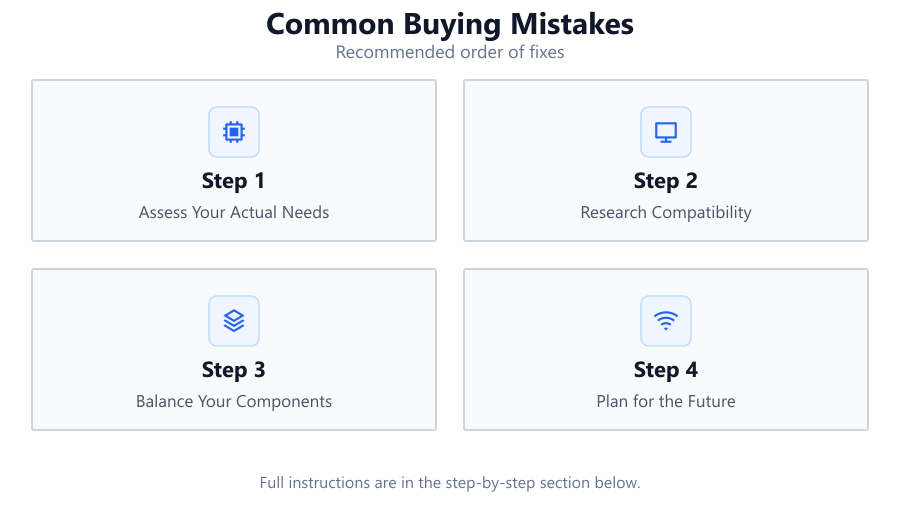
Assess Your Actual Needs
Before making any purchase, list the tasks you want your PC to handle. Consider the software you use most and check their system requirements. This ensures you buy components that match your real-world use, not just hypothetical scenarios.
Research Compatibility
Make sure your selected parts are compatible. Use manufacturer websites and compatibility tools to verify that your CPU, motherboard, RAM, and GPU will work together without issues.
Balance Your Components
Avoid bottlenecks by balancing your hardware. Do not pair a top-tier GPU with a low-end CPU or insufficient RAM. Check performance benchmarks for similar configurations to guide your choices.
Plan for the Future
Choose components that allow for future upgrades. Make sure your power supply has enough headroom, your case fits larger GPUs, and your motherboard supports extra RAM if needed.
Check Internet Speed for Downloads
Estimate the time required for downloading large files or game updates. Use the Download Time Calculator to ensure your internet connection meets your needs and avoid surprises after setup.
Comparison
| Mistake | Impact | How to Avoid |
|---|---|---|
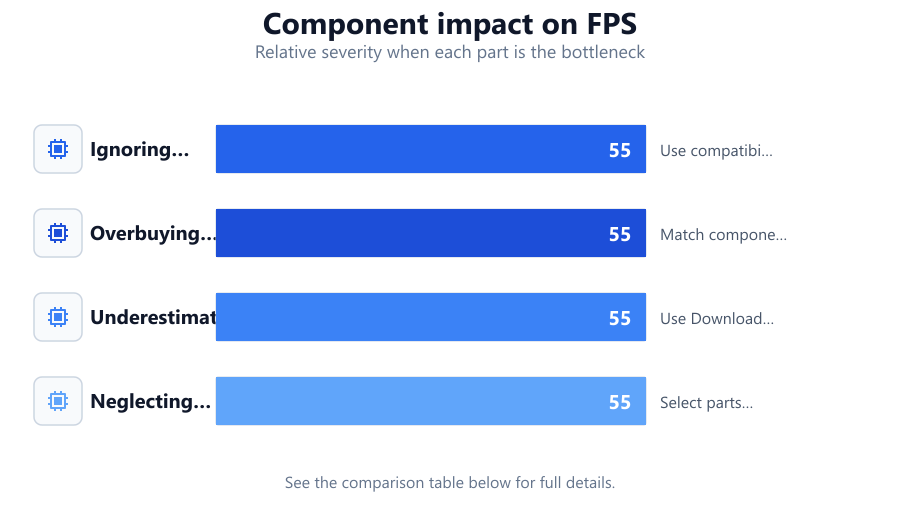
| Ignoring Compatibility | System does not function or underperforms | Use compatibility checkers and read specifications carefully |
| Overbuying High-End Parts | Wasted money and power consumption | Match components to real-world needs and usage |
| Underestimating Download Times | Long waits for updates or software | Use Download Time Calculator before purchase |
| Neglecting Future Upgrades | System becomes obsolete quickly | Select parts with upgrade options |
Common mistakes
Mistake
Buying components based on marketing alone
Fix: Read independent reviews and look up real-world benchmarks for unbiased performance data.
Mistake
Forgetting to check compatibility
Fix: Use online compatibility tools and double-check specifications before finalizing your purchase.
Mistake
Not considering download speeds for large files
Fix: Estimate download times with the Download Time Calculator to ensure your internet connection is sufficient.
Troubleshooting
PC does not start after assembly
Likely cause: Incompatible or incorrectly installed components
What to do: Recheck compatibility and installation order. Consult your motherboard manual and verify connections.
Slow performance despite expensive hardware
Likely cause: Component bottleneck or mismatched parts
What to do: Identify the slowest part using system monitoring tools and balance your configuration.
Long download times for software or games
Likely cause: Internet speed lower than required
What to do: Use the Download Time Calculator to measure expected times and consider upgrading your connection.
Recommendations
- Always double-check part compatibility before buying.
- Balance your PC build for your typical usage, not just peak performance.
- Use the Download Time Calculator to plan for large file downloads.
- Read reviews and seek advice from trusted sources rather than relying only on marketing.
- Keep future upgrades in mind when choosing your components.
Frequently asked questions
What is the most common buying mistake when building a PC?
The most common mistake is not checking compatibility between components, which can lead to wasted money and non-functional systems.
How can I estimate download times for large files?
You can use the Download Time Calculator to get a precise estimate based on your internet speed and the file size.
Why is balancing components important?
Balancing components prevents bottlenecks and ensures you get the best performance for your investment, avoiding wasted resources.
Should I always buy the latest hardware?
Not always. It is better to buy parts that match your actual needs and are compatible with your system, rather than chasing the latest releases.