FREE CPU COOLER COMPATIBILITY CHECKER

CPU Cooler Compatibility Checker Find Compatible Coolers

Quickly determine if a CPU cooler will fit your specific processor, motherboard socket, and PC case before purchasing. This tool assesses socket compatibility, TDP support, and case clearance for confident, hassle-free upgrades.

Socket & TDP Details

How It Works

We compare your CPU socket against the cooler's supported socket bracket. LGA1851 coolers may be cross-compatible with LGA1700. High-TDP CPUs need coolers rated for sustained heat output — we flag when 240mm+ AIO or large towers are recommended.

Compatibility Result

Select sockets and TDP, then check

What Does This Calculator Do?

The CPU Cooler Compatibility Checker evaluates whether a particular CPU cooler is suitable for your build by verifying three critical factors: socket support, processor TDP (Thermal Design Power) rating, and physical case clearance. It compares your CPU model, motherboard socket (such as AM5, LGA1700, TR5), and case specifications against the cooler’s supported sockets, rated heat dissipation, and physical dimensions.

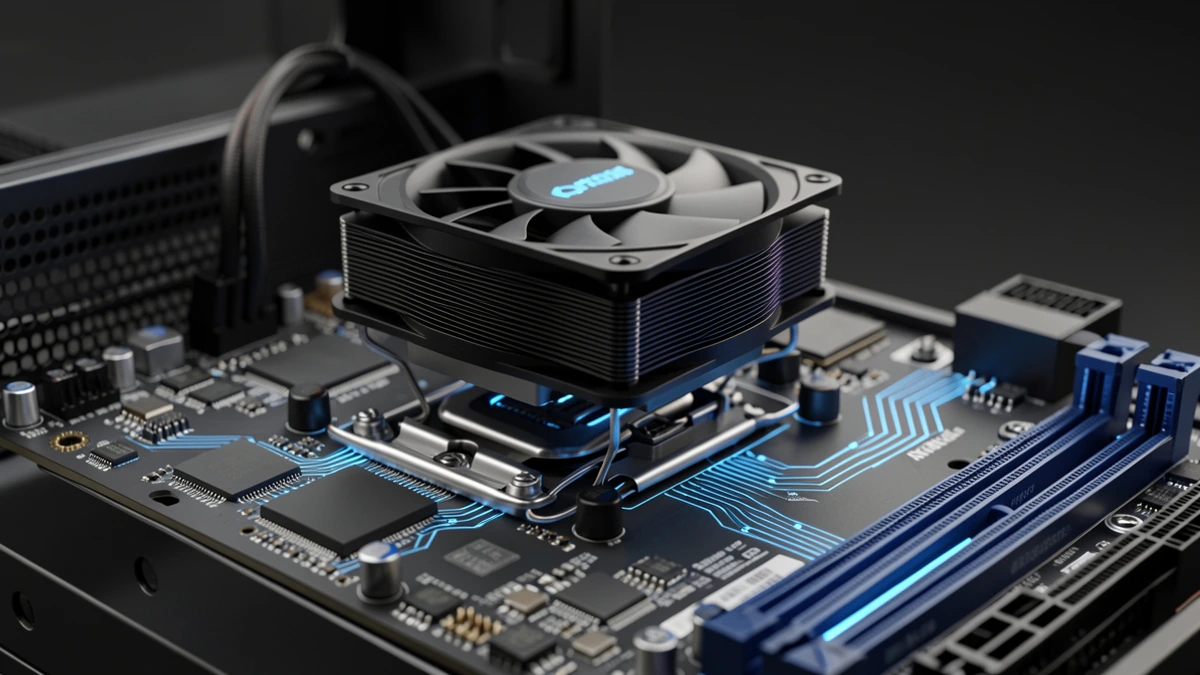
cpu cooler installation diagram

This ensures you avoid common pitfalls like buying a cooler that doesn’t fit your socket or is too tall for your case, or one that can’t handle the thermal output of your processor. It’s designed for both new builds and upgrades, providing peace of mind for enthusiasts and first-timers alike.

How to Use This Calculator

Using the CPU Cooler Compatibility Checker is straightforward. Start by selecting your CPU model or entering its TDP and socket type manually. Next, choose your PC case model or input its maximum CPU cooler height clearance. Finally, select the CPU cooler you’re considering, or browse through a list of compatible options provided by the tool.

The calculator will instantly analyze the combination and display if the selected cooler is compatible, flagging any issues like socket mismatch, insufficient TDP coverage, or cooler height exceeding your case limits. Recommendations and warnings are clearly outlined, helping you make informed decisions before buying.

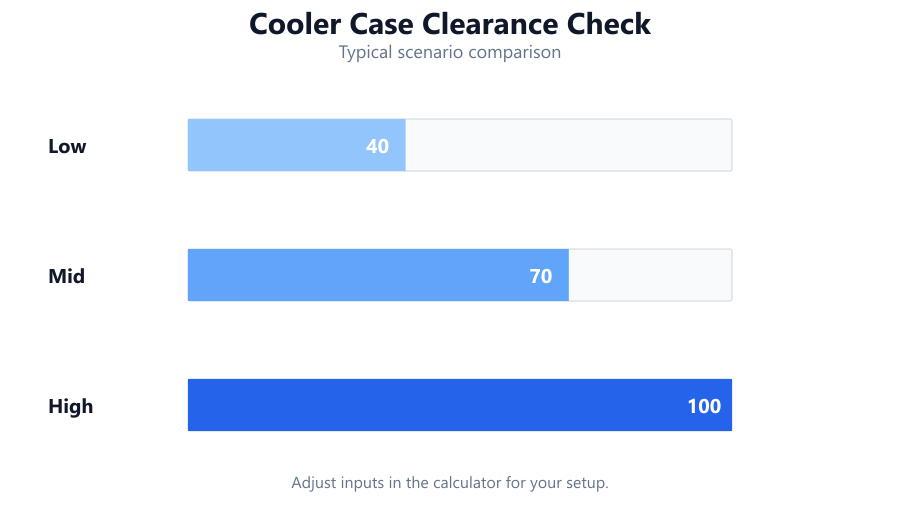
cooler case clearance check

How Are the Results Calculated?

The compatibility logic is based on three core checks:

  1. Socket Matching: The tool cross-references the CPU’s socket (e.g., AM4, AM5, LGA1700, LGA1200, LGA1851, TR5) with the cooler’s supported mounting hardware. If the sockets don’t align, the cooler is marked incompatible.
  2. TDP Rating: The cooler’s rated maximum TDP (in watts) must be equal to or greater than the CPU’s specified TDP. Formula: If Cooler TDP Rating ≥ CPU TDP, then it’s sufficient.
tdp vs cooler capacity chart

Height Clearance: The maximum cooler height (in mm) is compared to the case’s stated clearance. Formula: If Cooler Height ≤ Case Cooler Clearance, then it fits.

If all three conditions are met, the tool marks the cooler as compatible. If any check fails, you’ll get an explanation and guidance on alternative options. For example:

CPU Socket
LGA1700
Cooler Supported Sockets
LGA1700, LGA1200
CPU TDP
125W
Cooler TDP
180W
Cooler Height
155mm
Case Clearance
160mm
All requirements are satisfied
compatible.

Understanding Your Results

When you use the checker, the results will detail each compatibility aspect:

  • Socket Compatibility: A green checkmark means the cooler supports your CPU’s socket. If incompatible, you’ll see a red warning with the correct socket types listed.
  • TDP Sufficiency: If the cooler’s TDP rating matches or exceeds your CPU’s, it’s safe for sustained workloads. If not, you’ll be warned about potential overheating or throttling, especially during gaming or heavy tasks.
  • Height Fit: If your case’s maximum CPU cooler clearance is greater than or equal to the cooler height, installation should be straightforward. A warning will appear if the cooler is too tall, helping you prevent build issues.

The tool also flags borderline cases, such as coolers that are technically compatible but leave minimal clearance (less than 5mm) or are just at the TDP limit, so you can make an informed choice.

Examples

Ryzen 7 7800X3D with Noctua NH-U12S, Fractal Design Meshify C

Socket
AM5
Cooler supports
AM4/AM5
CPU TDP
120W
Cooler TDP
150W
Cooler Height
158mm
Case Clearance
170mm
Result
Fully compatible.

Intel Core i9-13900K with Cooler Master Hyper 212 EVO, NZXT H510

Socket
LGA1700
Cooler supports
LGA1700
CPU TDP
253W (turbo)
Cooler TDP
150W
Cooler Height
159mm
Case Clearance
165mm
Result
Socket fits, cooler TDP insufficient for heavy loads - risk of overheating under sustained turbo loads.

AMD Threadripper PRO 7995WX with be quiet! Dark Rock Pro TR4, Corsair 7000D

Socket
sTRX4/TR5
Cooler supports
TR4/TR5
CPU TDP
350W
Cooler TDP
350W
Cooler Height
162.8mm
Case Clearance
185mm
Result
Compatible, but at TDP limit. Monitor temps under full load.

Intel Core i5-12400 with Deepcool AK400, Cooler Master Q300L

Socket
LGA1700
Cooler supports
LGA1700
CPU TDP
65W
Cooler TDP
220W
Cooler Height
155mm
Case Clearance
159mm
Result
Fully compatible, plenty of cooling headroom.

Ryzen 5 5600G with Arctic Freezer 34 eSports Duo, NZXT H210 (Mini-ITX)

Socket
AM4
Cooler supports
AM4
CPU TDP
65W
Cooler TDP
210W
Cooler Height
157mm
Case Clearance
165mm
Result
Compatible.

Intel Core i7-14700K with Noctua NH-D15, Corsair 4000D

Socket
LGA1700
Cooler supports
LGA1700
CPU TDP
253W
Cooler TDP
220W
Cooler Height
165mm
Case Clearance
170mm
Result
Socket fits, cooler TDP slightly under max turbo. Acceptable with moderate overclocking, but not ideal for heavy workloads.

Common Use Cases

  • Building a new PC: Ensures your chosen cooler fits both the CPU and case before you order parts.
  • Upgrading your CPU: Checks if your current cooler and case will support a new processor, or if a cooler upgrade is needed.
  • Switching cases: Verifies that your existing cooler will physically fit in a new chassis, avoiding surprises during installation.
  • Overclocking: Identifies if your cooler can handle the increased thermal load from processor overclocking.
  • Compact builds and SFF (Small Form Factor) PCs: Helps choose low-profile coolers that fit in tight spaces, especially in ITX and mATX cases.
  • High-TDP CPUs (e.g., Intel i9-13900K, Ryzen 9 7950X): Assures that specialized or premium coolers are used to manage heat effectively.

Tips for Better Results

  • Always double-check the exact CPU model and case clearance, especially for less common cases or new CPUs with updated sockets.
  • Allow at least 5mm of clearance between the top of the cooler and the case panel for easier installation and airflow.
cooler clearance in tight case
  • Don’t rely solely on CPU TDP - consider real-world workloads. Some processors, like the Core i9-13900K, draw more power under boost than their base TDP suggests.
  • For very high TDP or overclocked CPUs, opt for coolers with a higher TDP rating than your CPU’s peak output (ideally by 20-30%).
  • Check RAM and VRM clearance as some large air coolers overhang the DIMM slots or motherboard heatsinks. This calculator focuses on socket, TDP, and height only.

Conclusion

Choosing a CPU cooler isn’t just about aesthetics or brand - it’s a technical decision that affects system stability, longevity, and noise. The CPU Cooler Compatibility Checker takes the guesswork out by systematically verifying socket support, TDP capacity, and physical fit. Whether you’re planning a high-end gaming rig or a silent workstation, this tool ensures your cooler matches your CPU and case, preventing costly mistakes and installation headaches.

Always cross-reference manufacturer specifications and, if in doubt, consult user reviews or community builds for edge cases. For complex builds (e.g., custom water cooling, oversized coolers, or SFF PCs), consider contacting case and cooler manufacturers directly for fitment details. This calculator is a practical starting point for most standard builds.

Use the checker as part of your planning process and pair it with our other tools for a complete, hassle-free PC building experience.

Frequently Asked Questions

How do I know if my CPU cooler will fit my motherboard?

Check that your CPU cooler supports the socket type of your motherboard (such as AM5, LGA1700, or TR5). Most coolers list supported sockets on their specifications. The compatibility checker automates this process, cross-referencing your CPU or motherboard socket with the cooler’s mounting hardware. If the cooler doesn’t support your socket, it won’t physically mount to the board.

Why does TDP matter for cooler compatibility?

TDP (Thermal Design Power) is a measure of how much heat a CPU generates under typical loads. Your cooler’s rated TDP should meet or exceed your CPU’s TDP to avoid overheating and throttling. Using a cooler with insufficient TDP capacity can lead to higher temperatures, reduced performance, and even hardware damage over time. The calculator ensures the cooler is sufficient for your CPU’s thermal needs.

What happens if my cooler is taller than my case’s clearance?

If a cooler is taller than your PC case’s maximum CPU cooler clearance, the side panel won’t close properly or may press against the cooler, causing vibration or damage. Always ensure the cooler height is less than or equal to your case’s stated clearance, ideally with at least 5mm of extra room for easier installation and airflow.

Can I use an AM4 cooler on an AM5 motherboard?

Most AM4 coolers are compatible with AM5 motherboards, as AMD retained the same mounting hole pattern. However, there are exceptions - some older coolers or those requiring specialized mounting brackets may not fit. Always check if the cooler manufacturer officially lists AM5 support, and if any adapter kits are required.

Is liquid cooling always better than air cooling?

Not necessarily. While liquid coolers (AIOs) can offer better thermal performance for high-TDP CPUs or overclocking, high-end air coolers often match or beat budget AIOs in both cooling and noise. The best choice depends on your case size, budget, noise preference, and cooling needs. Use the compatibility checker to verify fit and adequacy for your specific setup.

How accurate are case clearance specs?

Case clearance specifications are generally accurate for standard tower coolers, but tolerances can vary. Factors like protruding motherboard heatsinks, case shrouds, or side panel bulges may reduce effective clearance. Always allow a small buffer (typically 5mm or more) beyond the stated maximum, and consult real-world build photos or user experiences when possible.

What if my CPU has a higher boost TDP than the cooler supports?

If your CPU’s maximum (boost) power draw exceeds the cooler’s TDP rating, the system may experience thermal throttling or increased fan noise during heavy or sustained workloads. For workloads like gaming, rendering, or overclocking, always choose a cooler rated above the CPU’s peak power draw, not just its nominal TDP.

Will a large air cooler block my RAM slots?

Some large tower air coolers overhang the first or even all RAM slots, especially on smaller motherboards. This calculator checks only height, socket, and TDP, so always verify RAM clearance in the cooler’s specifications. Low-profile RAM modules may help if clearance is tight.

Are all-in-one (AIO) coolers compatible with every case?

No. AIO liquid coolers require specific radiator mounting points and clearance for radiator thickness and fans. Always check your case’s support for radiator size (e.g., 240mm, 360mm) and clearance for both radiator and tube routing. This tool focuses on air cooler height; for AIOs, verify radiator compatibility separately.

What is the difference between LGA1700 and LGA1200 cooler mounts?

LGA1700 uses a slightly different mounting hole pattern and standoff height than LGA1200, reflecting the taller Z-height of 12th/13th/14th Gen Intel CPUs. Some coolers require updated mounting kits for LGA1700. Always check if your cooler includes LGA1700 hardware or if an adapter is needed.

Will overclocking my CPU require a different cooler?

Often, yes. Overclocking increases heat output beyond the CPU’s stock TDP, potentially exceeding your current cooler’s capability. If you plan to overclock, select a cooler with a TDP rating well above your CPU’s maximum power draw under load. The calculator can help, but check real-world overclocking benchmarks for your specific CPU and cooler.

Do I need to replace the cooler’s mounting hardware for a new socket?

Sometimes. Some coolers support multiple sockets using interchangeable mounting brackets. If upgrading to a newer socket (e.g., LGA1200 to LGA1700 or AM4 to AM5), you may need to order or install new mounting hardware from the cooler manufacturer. Always confirm your cooler’s socket support and available adapter kits.

Can I use a cooler rated for lower TDP on a higher TDP CPU at stock speeds?

It’s not recommended. Even at stock speeds, a cooler rated below the CPU’s TDP may result in higher temperatures, noisy fans, or instability. Some CPUs may throttle or reduce clock speeds to stay within thermal limits. Choose a cooler that at least matches your CPU’s official TDP rating.

What if my CPU or case isn’t listed in the calculator?

If your CPU or case isn’t listed, you can manually enter the TDP, socket type, and case cooler clearance. For obscure or new hardware, check manufacturer datasheets or reputable review sites for specifications. The calculator will use your manual entries to assess compatibility.

Does the calculator account for VRM heatsink or GPU interference?

No. This tool checks socket compatibility, TDP, and cooler height only. It does not evaluate interference with motherboard VRM heatsinks, PCIe slots, or tall RAM modules. For complex builds, check cooler and motherboard diagrams, or consult user reviews for reported fitment issues.

How often are cooler and CPU databases updated?

Databases are updated regularly to include the latest CPUs, coolers, and cases as they are released. However, there may be a lag for brand-new products or rare models. For the most accurate results, always check manufacturer documentation in addition to the calculator’s recommendations.

What are the limitations of this compatibility checker?

The calculator assumes manufacturer-stated TDP and height values are accurate and does not account for tolerances, case protrusions, or third-party mounting solutions. It does not check for RAM, VRM, or GPU interference, nor does it factor in airflow direction or noise levels. Always verify unusual builds with community forums or direct measurement.

Can this tool help with SFF (Small Form Factor) or ITX builds?

Yes, it’s particularly useful for space-constrained builds where cooler height and socket fit are critical. However, SFF builds often require extra caution for RAM, GPU, and motherboard clearance, so always cross-check with case and cooler community build guides before ordering parts.

Benchmark data from PassMark and publisher specs. Calculators run locally in your browser — we never upload your hardware info.